![Bedrock_Learning_Logo_Mark_Reverse_RGB_1920px@72ppi.png]](https://help.bedrocklearning.org/hs-fs/hubfs/Bedrock_Learning_Logo_Mark_Reverse_RGB_1920px@72ppi.png?height=50&name=Bedrock_Learning_Logo_Mark_Reverse_RGB_1920px@72ppi.png)
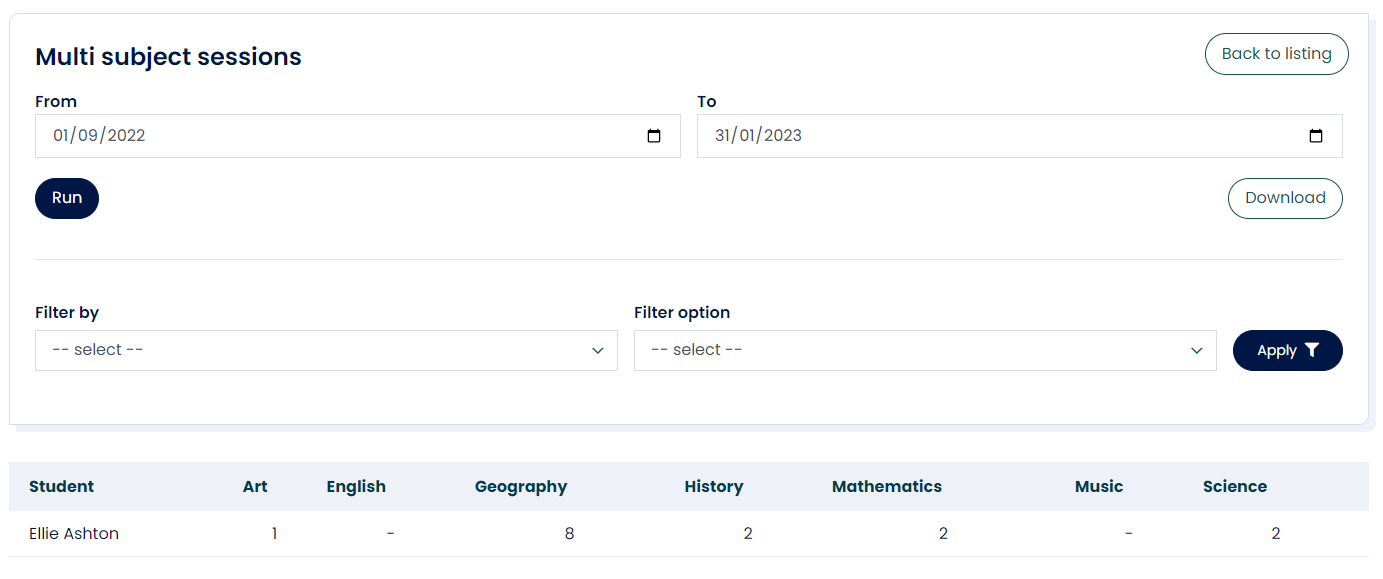
The "multi-subject sessions" report shows the number of sessions completed in every subject across the curriculum in a chosen period.
This enables teachers to look at groups of learners (for example, a year group, a micro population or a tutor group) and their completion of Mapper sessions across the curriculum in a particular period.
How do I run the report?
- Open the 'Data & Reporting' tab in your Mapper dashboard.
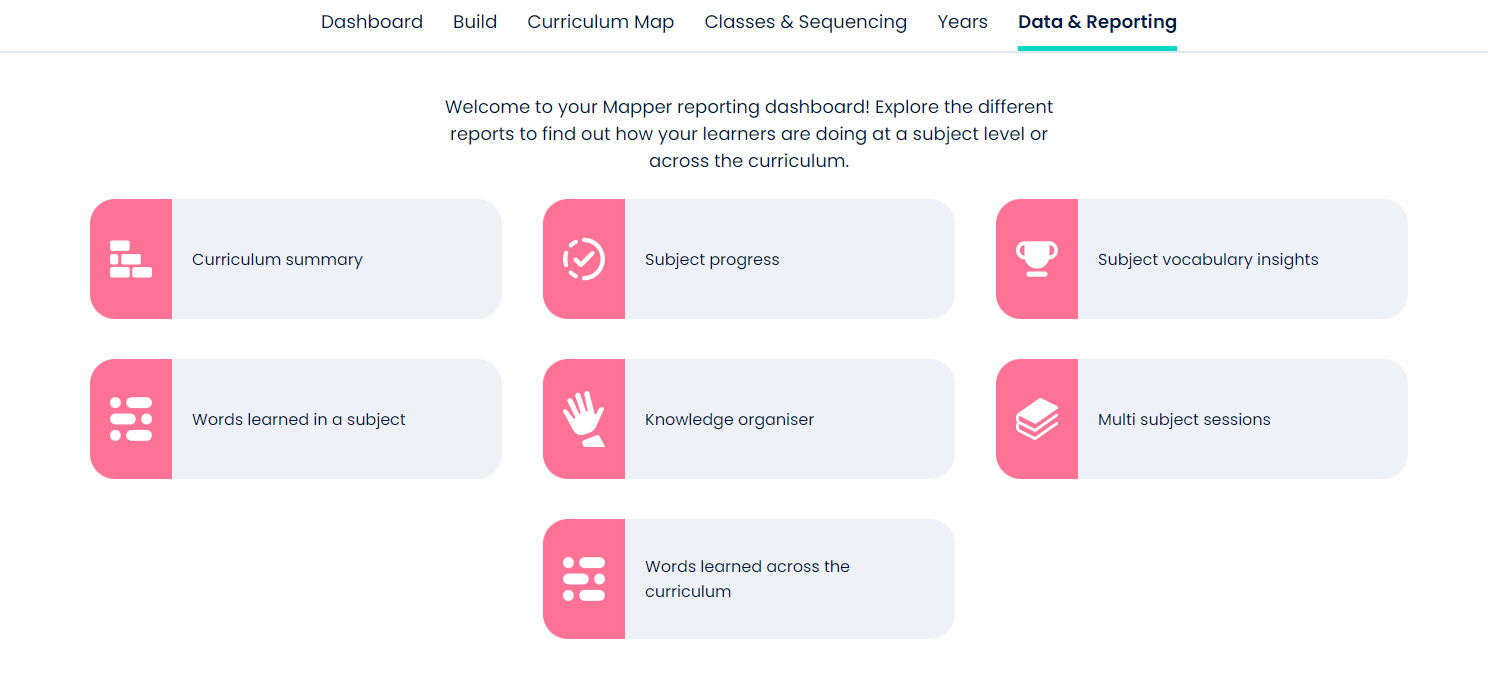
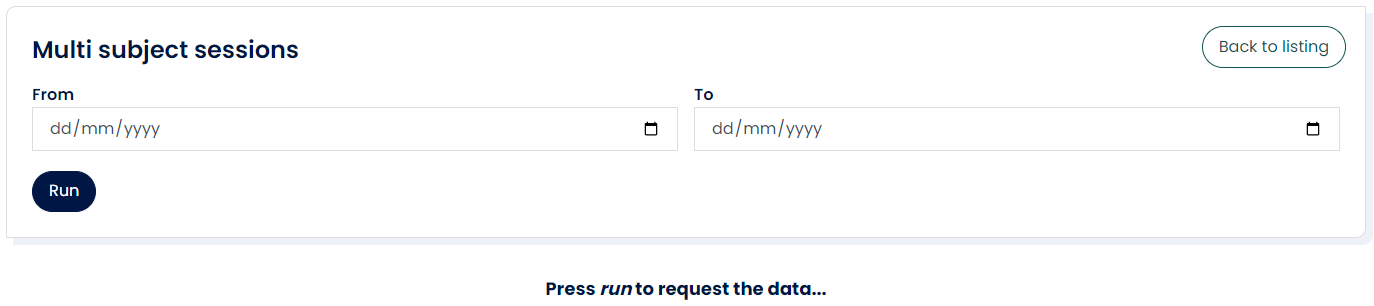
- Select the 'Multi subject sessions' icon and enter the period options.
- Once the report has loaded, you can view online and filter or download.
If you need further help with this or any other report, contact your account manager or the support team at support@bedrocklearning.org.