![Bedrock_Learning_Logo_Mark_Reverse_RGB_1920px@72ppi.png]](https://help.bedrocklearning.org/hs-fs/hubfs/Bedrock_Learning_Logo_Mark_Reverse_RGB_1920px@72ppi.png?height=50&name=Bedrock_Learning_Logo_Mark_Reverse_RGB_1920px@72ppi.png)
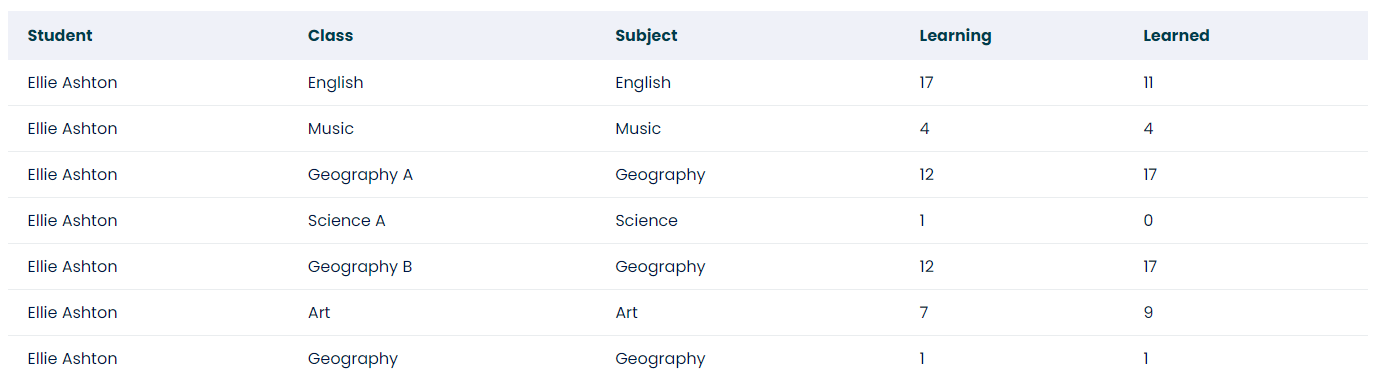
The "words learned in a subject" report displays how many words have been learned in a class within an individual curriculum subject. It shows the impact of the reteaching algorithm and memory checking.
The report can be accessed and downloaded for one or multiple classes (we recommend doing so for one subject at a time), across any time period.
How do I run the report?
- Open the 'Data & Reporting' tab in your Mapper dashboard.
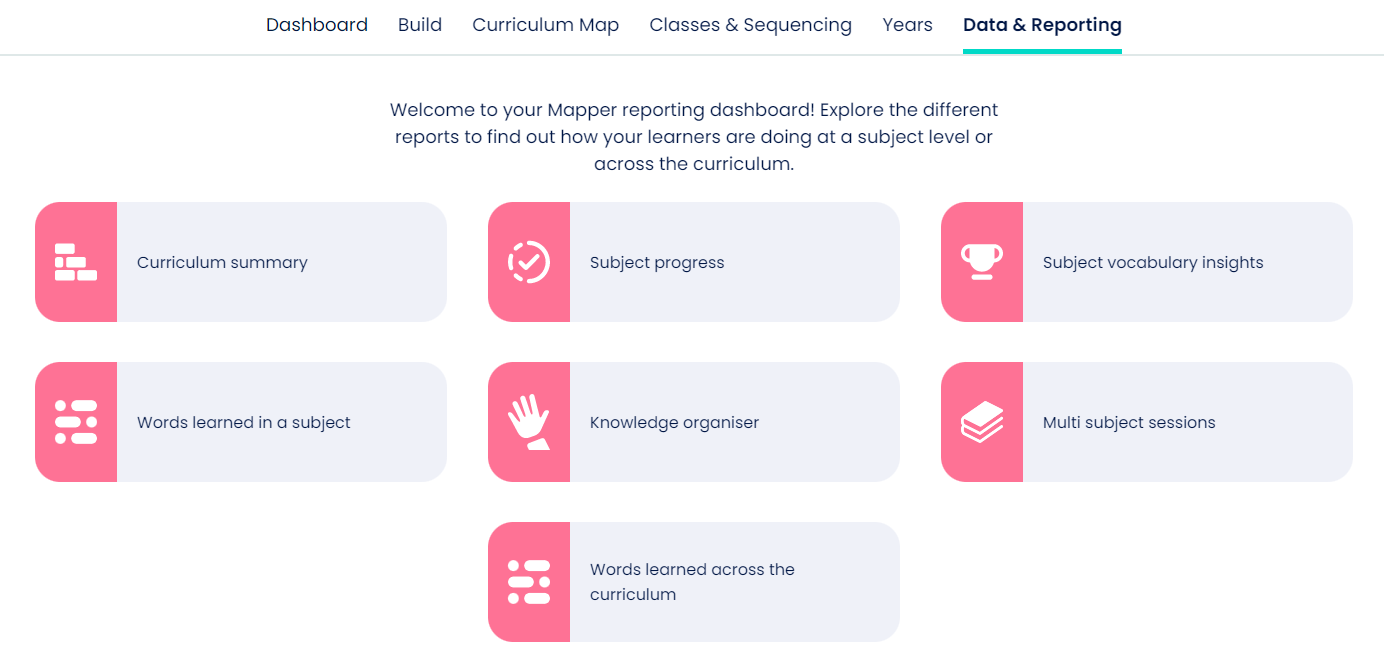
- Select the 'Words learned in a subject' icon and enter the filter options.
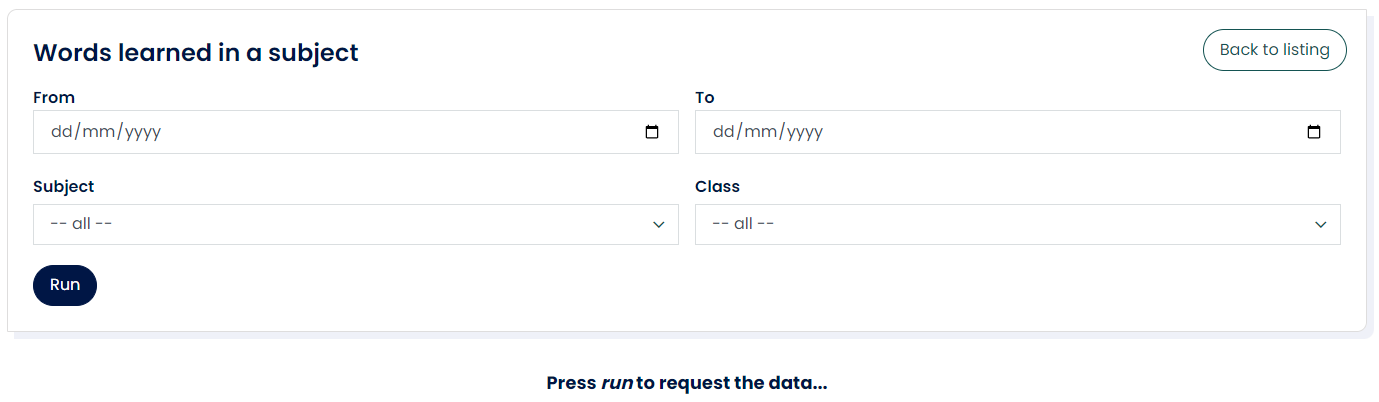
- Once the report has loaded, you can view online or download.
If you need further help with this or any other report, contact your account manager or the support team at support@bedrocklearning.org.