![Bedrock_Learning_Logo_Mark_Reverse_RGB_1920px@72ppi.png]](https://help.bedrocklearning.org/hs-fs/hubfs/Bedrock_Learning_Logo_Mark_Reverse_RGB_1920px@72ppi.png?height=50&name=Bedrock_Learning_Logo_Mark_Reverse_RGB_1920px@72ppi.png)
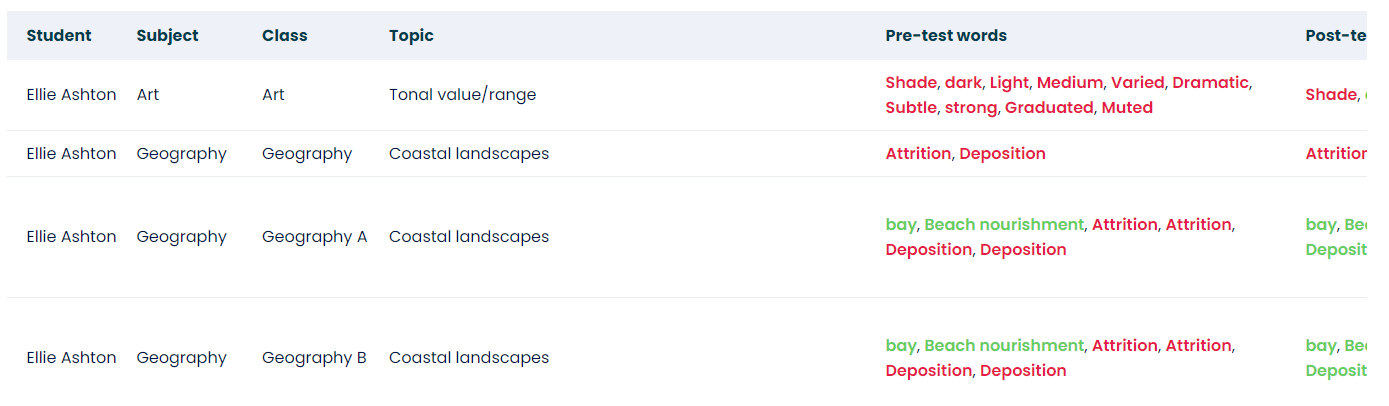
The vocabulary insights report shows the words a learner got correct and incorrect in their pre-and post-tests per subject. This report will be instrumental in the classroom and provide data insight into the vocabulary a teacher wishes students to learn. The report also shows the reteaching words a learner has been served and whether they were correctly or incorrectly answered.
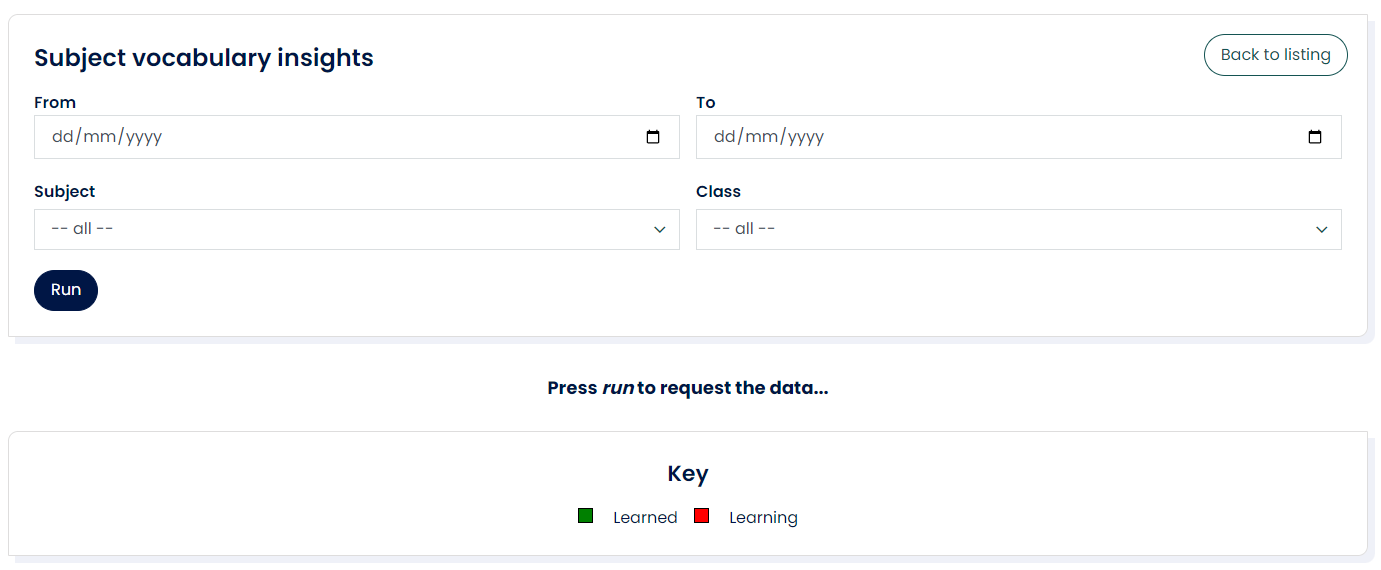
The report is colour coded in green and red showing the words learners got correct and incorrect, providing insight into vocabulary they may need extra support with.
This report can be downloaded, with additional columns for "correct words in the pre-test" and "incorrect words in the pre-test". This supports teachers in noticing trends in vocabulary learning.
How do I run the report?
- Open the 'Data & Reporting' tab in your Mapper dashboard.
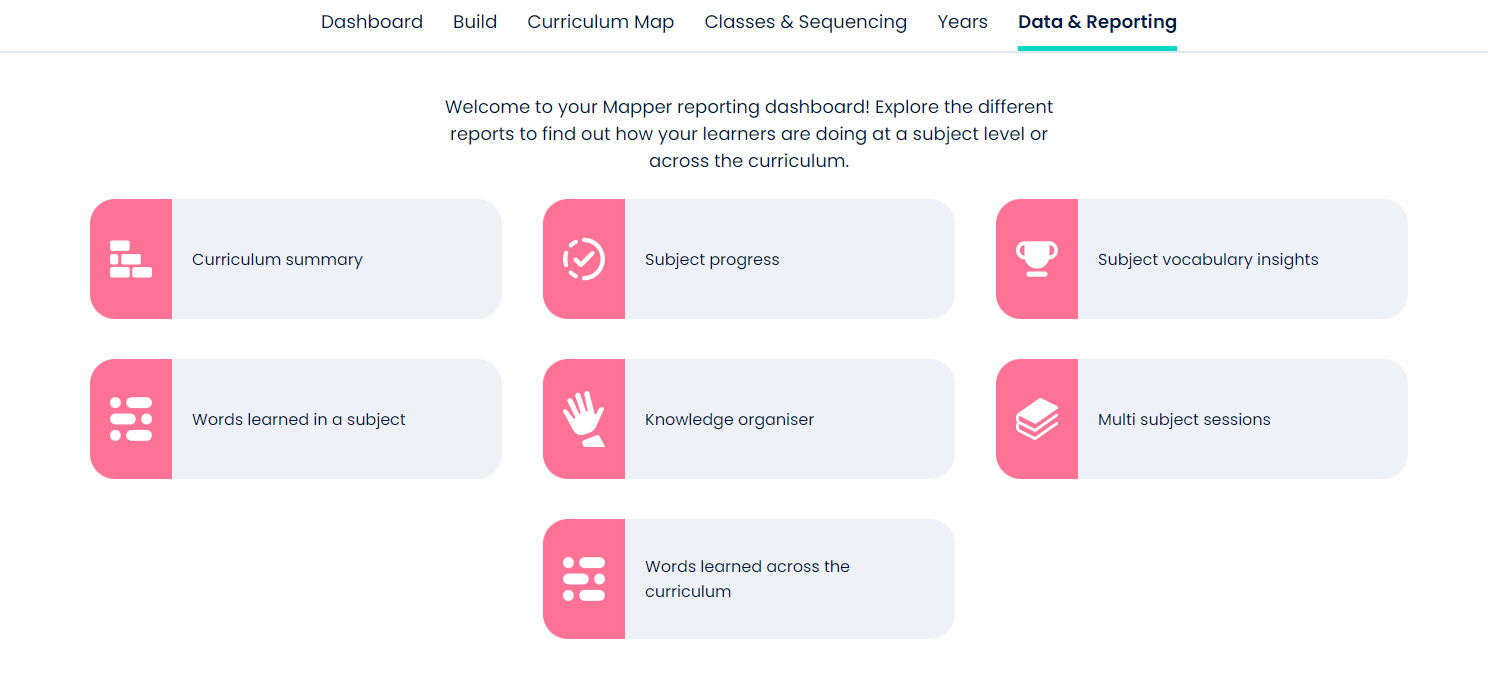
- Select the 'Subject vocabulary insights' icon and enter the filter options.
- Once the report has loaded, you can view online or download.
If you need further help with this or any other report, contact your account manager or the support team at support@bedrocklearning.org.