![Bedrock_Learning_Logo_Mark_Reverse_RGB_1920px@72ppi.png]](https://help.bedrocklearning.org/hs-fs/hubfs/Bedrock_Learning_Logo_Mark_Reverse_RGB_1920px@72ppi.png?height=50&name=Bedrock_Learning_Logo_Mark_Reverse_RGB_1920px@72ppi.png)
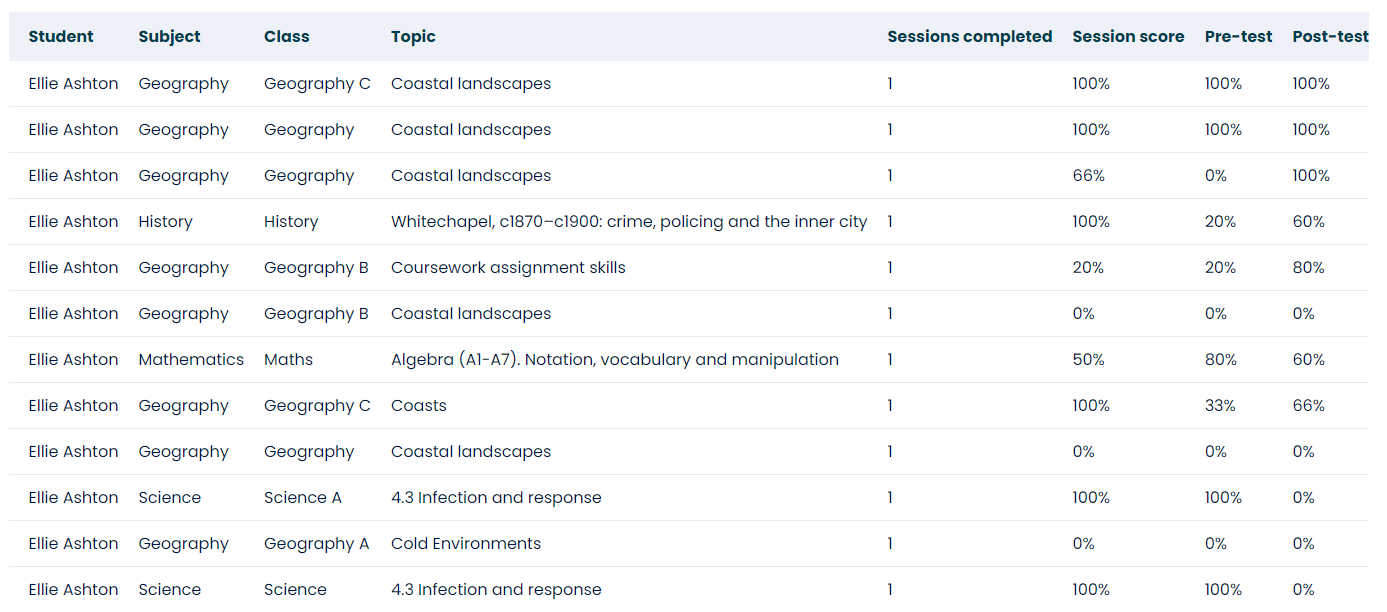
The "subject progress report" can be used to view a single class or multiple within a subject and displays:
- number of sessions completed
- pre-test and post-test scores
- percentage improvement
- average session score*
*Note: The "average session score" is calculated based on the average score of sessions in the time parameters a teacher sets. For example, by selecting to view a whole term, teachers will see a learner's average score over that period.
How do I run the report?
- Open the 'Data & Reporting' tab in your Mapper dashboard.
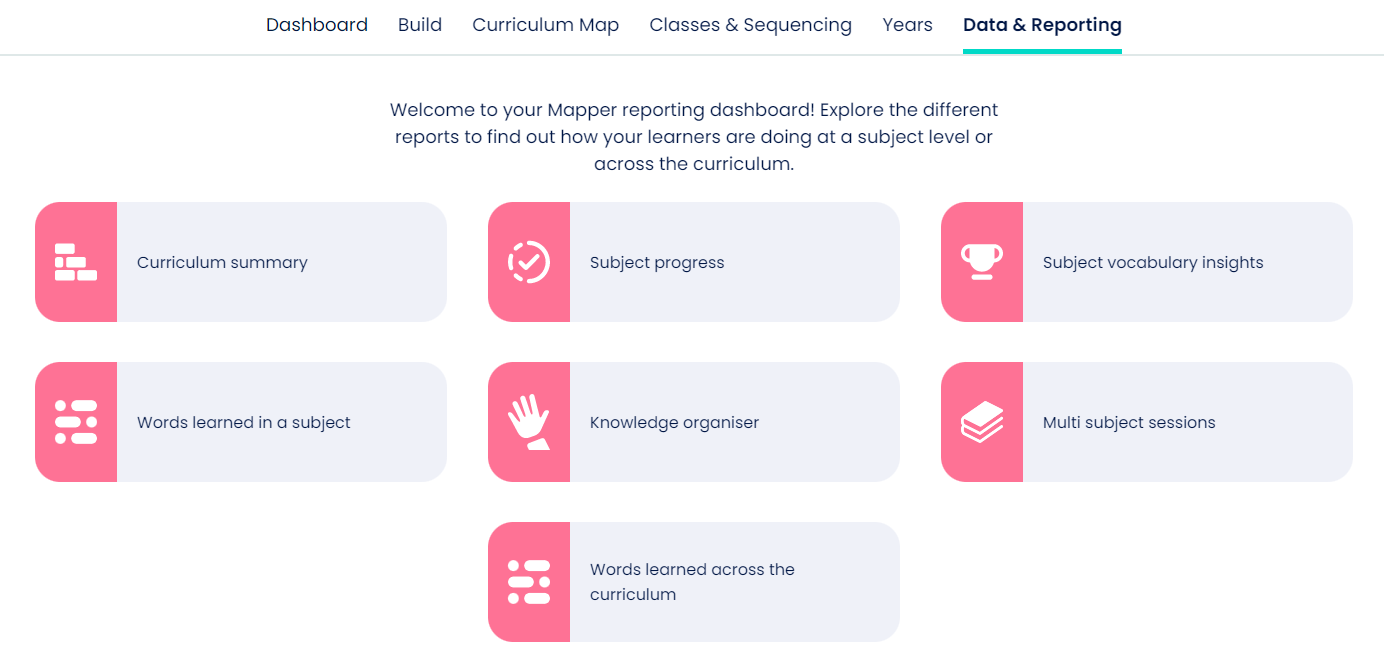
- Select the 'Subject progress' icon and enter the filter options.
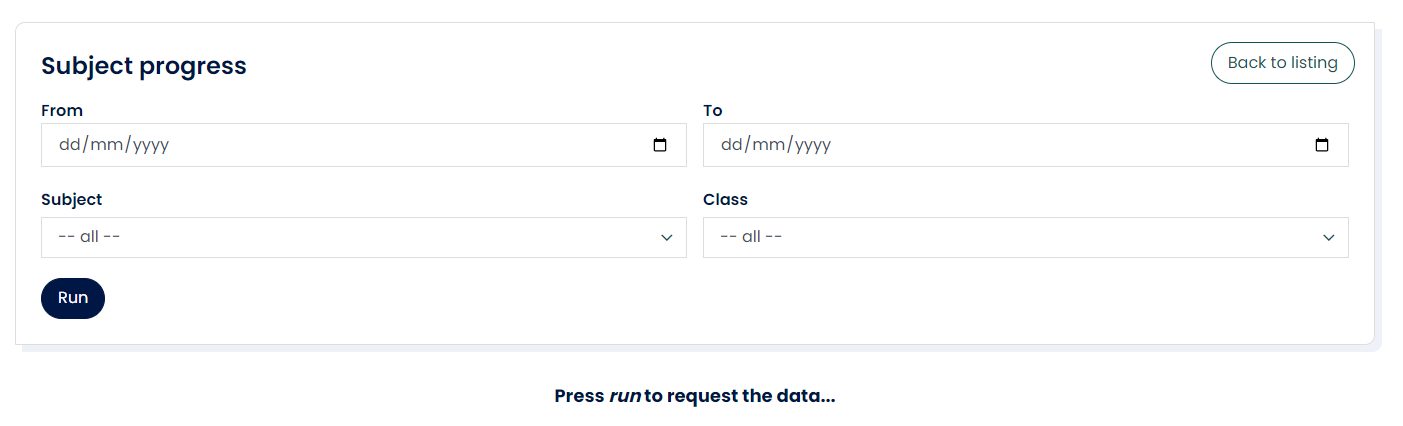
- Once the report has loaded, you can view online or download.
If you need further help with this or any other report contact your account manager or the support team at support@bedrocklearning.org.