![Bedrock_Learning_Logo_Mark_Reverse_RGB_1920px@72ppi.png]](https://help.bedrocklearning.org/hs-fs/hubfs/Bedrock_Learning_Logo_Mark_Reverse_RGB_1920px@72ppi.png?height=50&name=Bedrock_Learning_Logo_Mark_Reverse_RGB_1920px@72ppi.png)
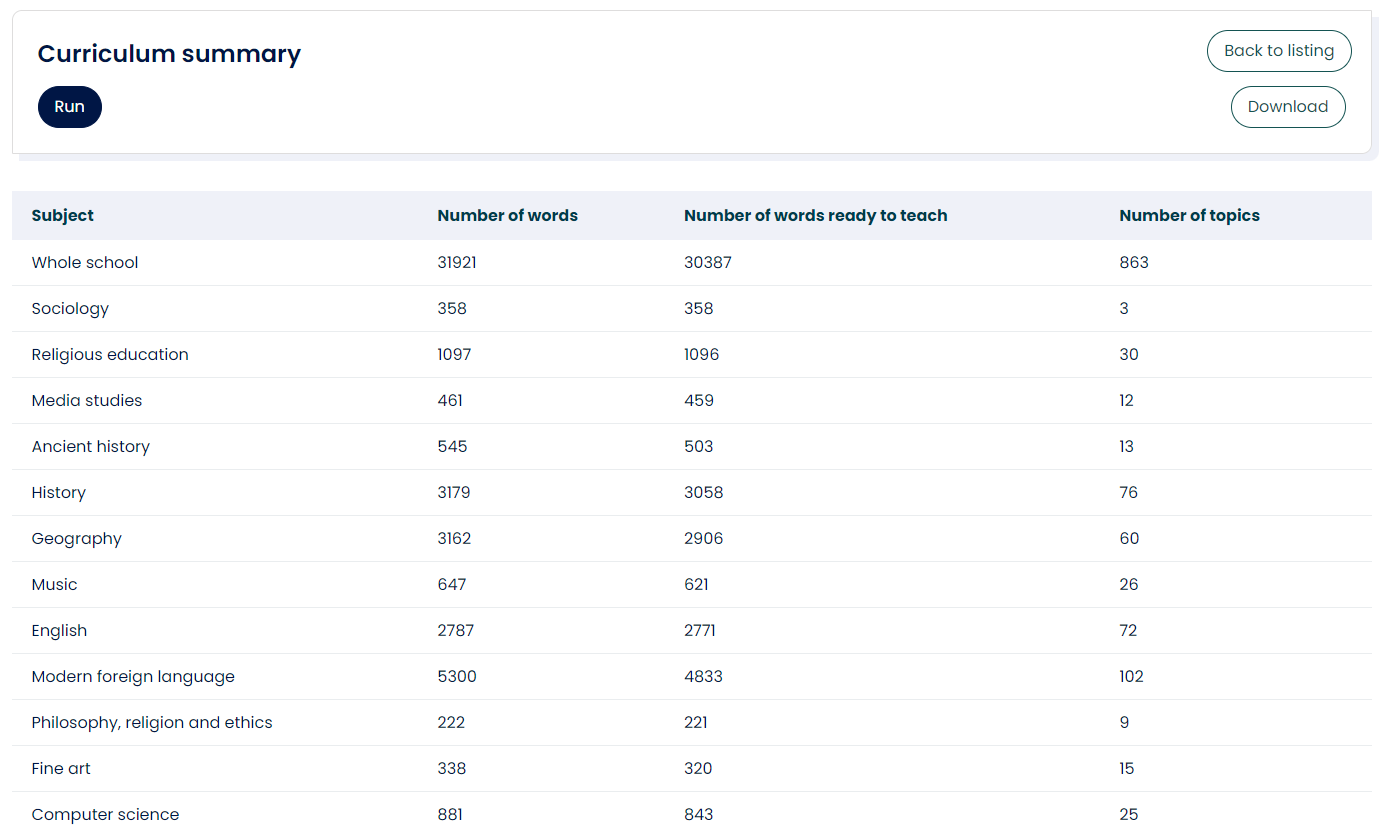
The "curriculum summary report" shows the number of words added to your curriculum and the number of words ready to teach in each subject - allowing you an overview of the Tier 3 vocabulary curriculum built for your school.
The report is an excellent way to report on your Tier 3 strategy - for example "our students now have access to 355 Tier 3 words for Geography".
How do I run the report?
- Open the 'Data & Reporting' tab in your Mapper dashboard.
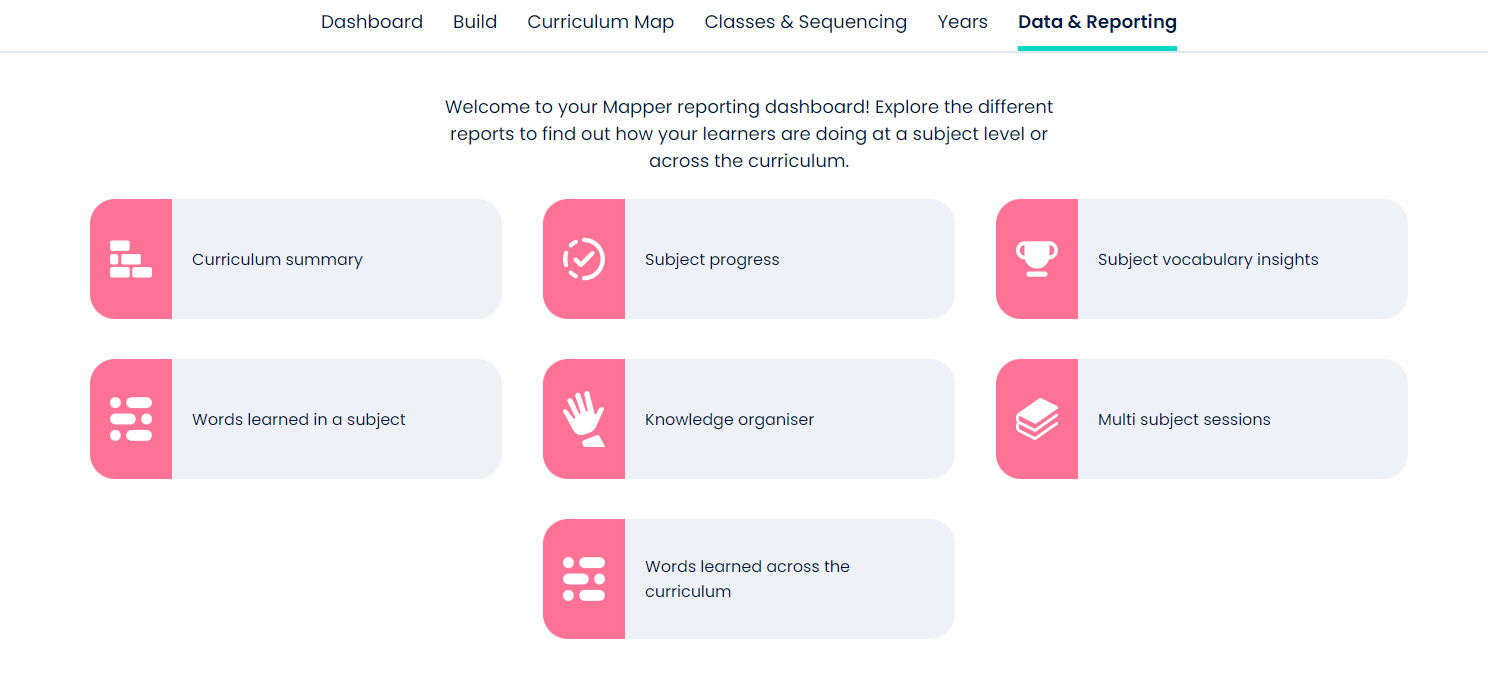
- Select the 'Curriculum summary' icon and press "Run". Once the report has loaded you can view online or download.
If you need further help with this or any other report contact your account manager or the support team at support@bedrocklearning.org.