![Bedrock_Learning_Logo_Mark_Reverse_RGB_1920px@72ppi.png]](https://help.bedrocklearning.org/hs-fs/hubfs/Bedrock_Learning_Logo_Mark_Reverse_RGB_1920px@72ppi.png?height=50&name=Bedrock_Learning_Logo_Mark_Reverse_RGB_1920px@72ppi.png)
TIP: We encourage all parents and guardians to have access to their child's progress and have the ability to be able to support them at home. Setting up a guardian account is easy, all access codes are stored within your teacher dashboard. (You will need to be a Bedrock Lead Teacher to view them).
Why not download our template letter to parents/guardians. A ready-made letter to introduce them to Bedrock and inform them how they can keep abreast of their child's progress.
You can choose to contact all the guardians of all learners at once or allow the class teacher to distribute the access codes by class.
School-level distribution
- Bedrock lead teachers have access to all of the schools' learner information.
- Log in and select the 'User accounts' tab on your dashboard. (It can take a few moments to load up.)
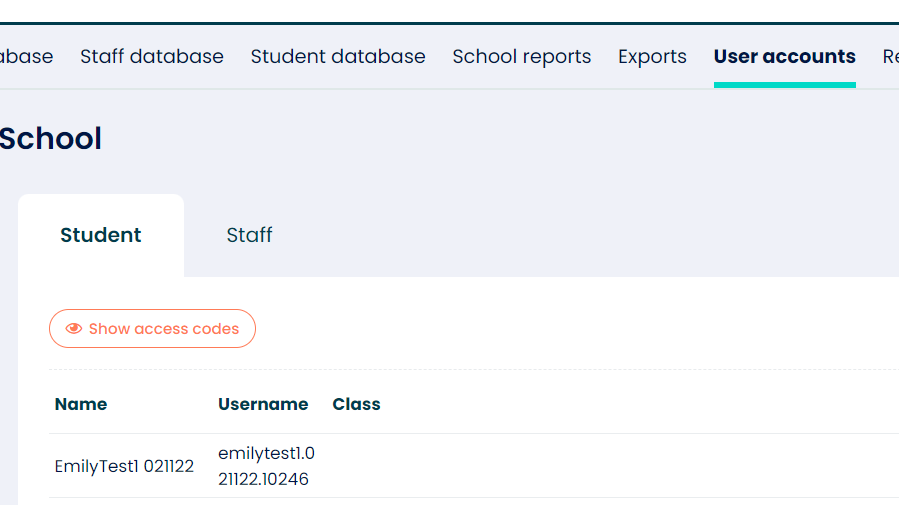
- Once loaded, click on the 'show access codes' button.
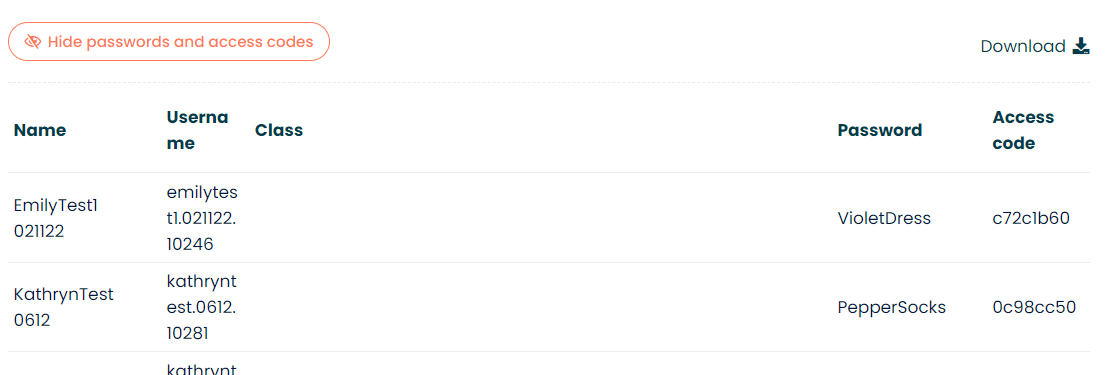
- The guardian's access code is visible in the final column.
- We recommend that you download the data and merge this with your guardian's email addresses and create a mail merge using the 'guardian sign up' template letter provided in the resources section of your dashboard.
Class distribution
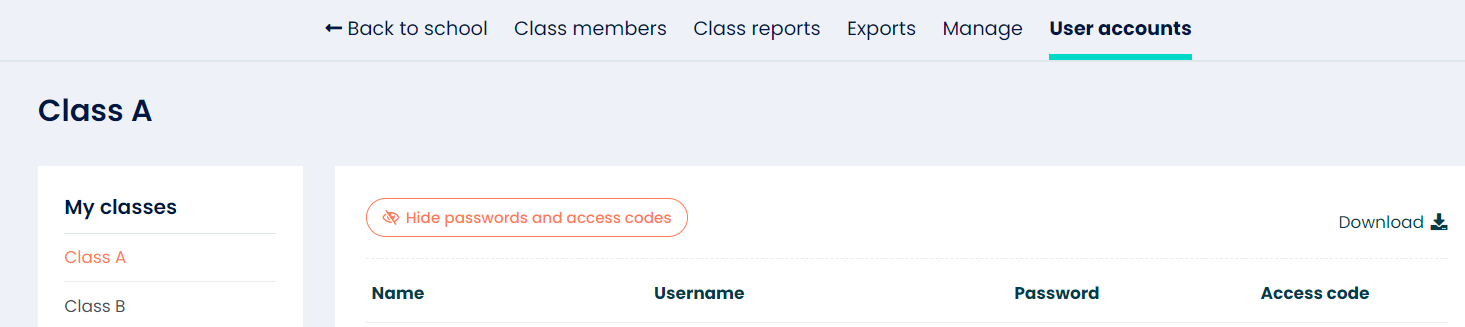
- If you would like to view guardian access codes for a specific class. You can select the class you want to view and open the user accounts tab.
- Then the process mentioned above.
Need help with mail merging?
There are some great online tutorials, or a support team member can help you; just email support@bedrocklearning.org.