![Bedrock_Learning_Logo_Mark_Reverse_RGB_1920px@72ppi.png]](https://help.bedrocklearning.org/hs-fs/hubfs/Bedrock_Learning_Logo_Mark_Reverse_RGB_1920px@72ppi.png?height=50&name=Bedrock_Learning_Logo_Mark_Reverse_RGB_1920px@72ppi.png)
You can reset your password if you cannot use the single sign-on feature. Note: for data privacy reasons, this functionality is only available to teachers and not learners, who can access their login details via their teacher. Click here to learn more.
Step 1
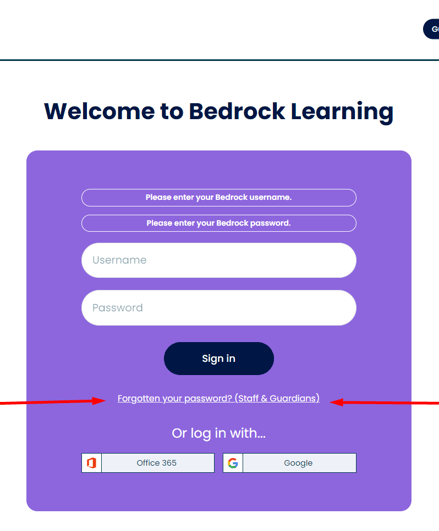
- Enter your username in the forgotten password tab on the Bedrock login page.
- A box will appear to say that your password has been sent to you. Your Bedrock leader or customer success manager should have given you your username. If this is not the case, please contact us and we can provide it for you.
Step 2
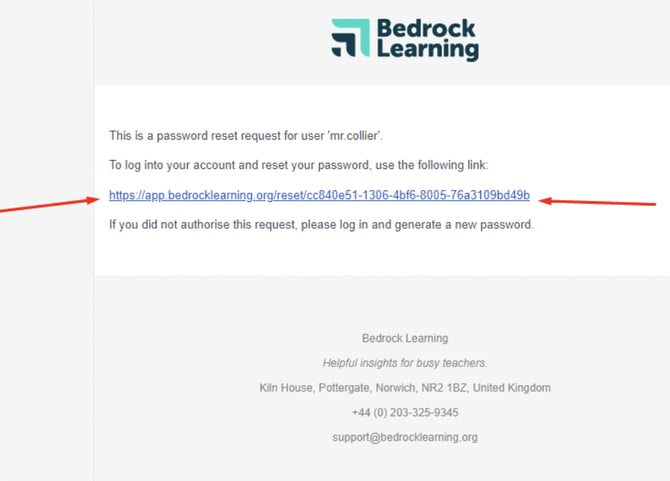
- An automated email will land in your inbox from Bedrock with a hyperlink.
- Click this link to gain temporary access to your Bedrock account.
Step 3
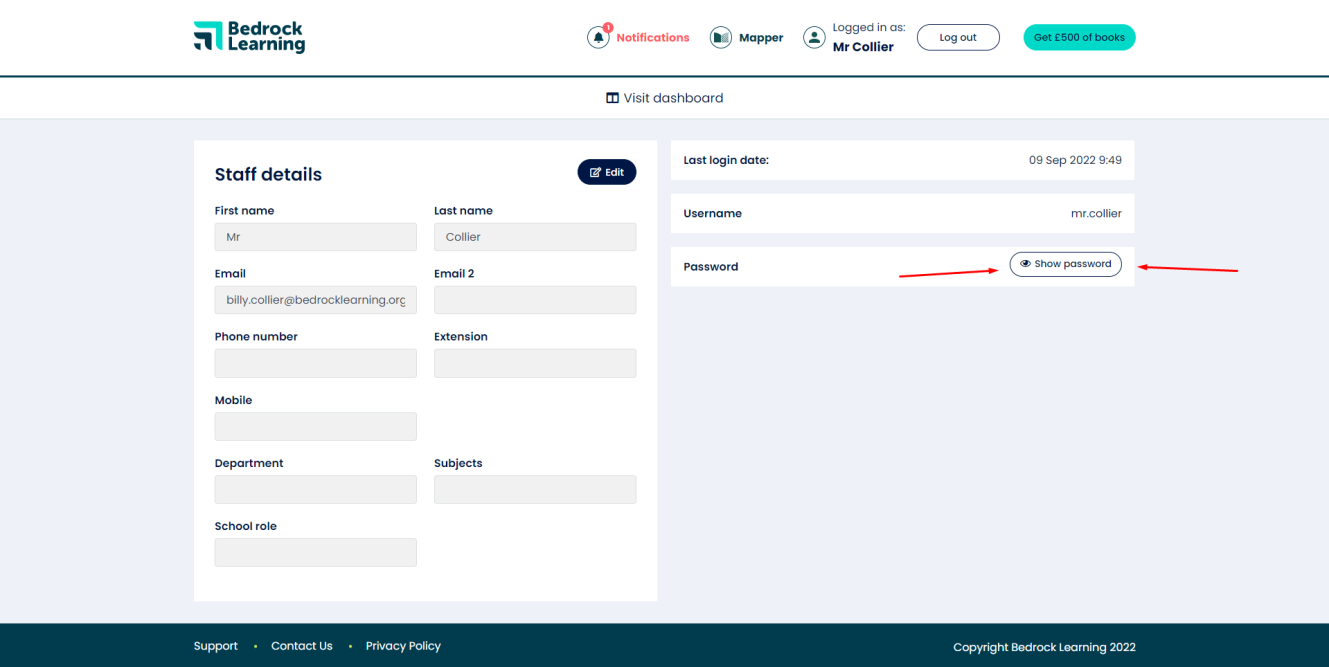
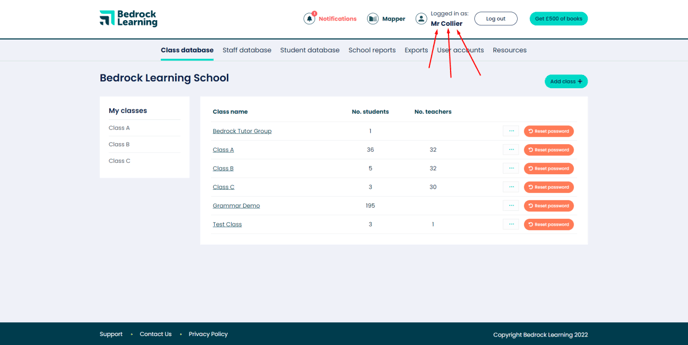
- Once you are logged into your Bedrock account, click on your name at the top right-hand corner of the screen to access your user details.
- Click "show password" and then generate a new password.
- Please make a note of your new password, as this will be the only time you can view it.