![Bedrock_Learning_Logo_Mark_Reverse_RGB_1920px@72ppi.png]](https://help.bedrocklearning.org/hs-fs/hubfs/Bedrock_Learning_Logo_Mark_Reverse_RGB_1920px@72ppi.png?height=50&name=Bedrock_Learning_Logo_Mark_Reverse_RGB_1920px@72ppi.png)
You will receive weekly email updates on your learners’ progress that will let you know which block, topic and lesson they completed.
You can also check this information on your teacher dashboard via the ”Curriculum Locations” report.
How to run the curriculum locations reports.
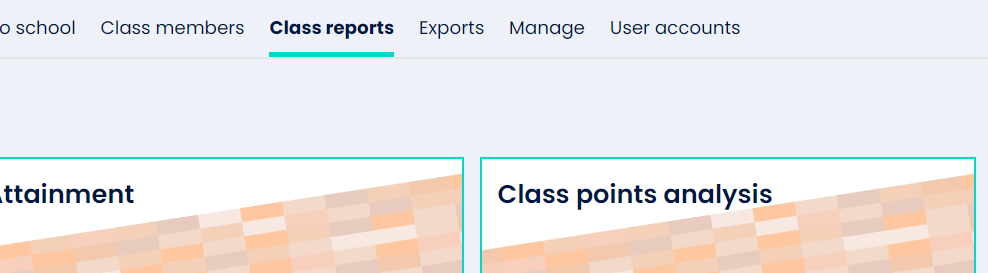
- Select the class you would like to review, then open the class reports tab.
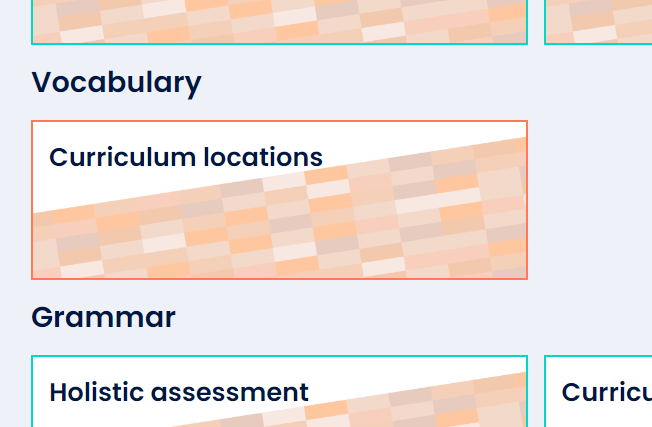
- Scroll down and under the Vocabulary section you will see the icon for "curriculum locations".
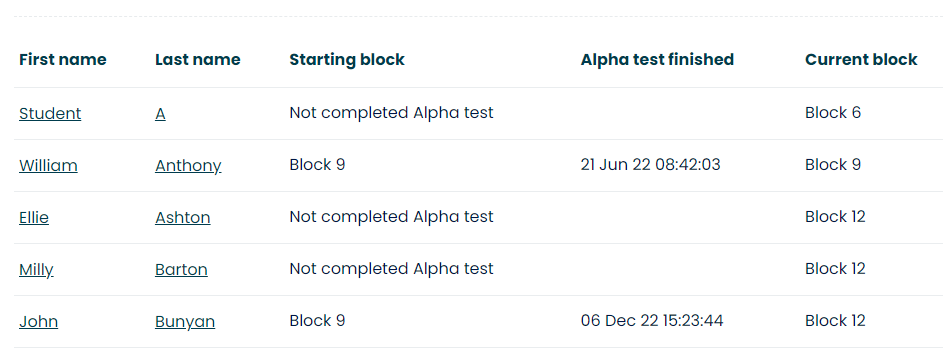
- When the page opens, click 'go'. You will then be shown each learner's current location.
- There is also the ability to download this report by selecting the 'download' button.
If you would like any help with this or any other report, please contact your customer success manager or a member of our support team by emailing support@bedrocklearning.org.