![Bedrock_Learning_Logo_Mark_Reverse_RGB_1920px@72ppi.png]](https://help.bedrocklearning.org/hs-fs/hubfs/Bedrock_Learning_Logo_Mark_Reverse_RGB_1920px@72ppi.png?height=50&name=Bedrock_Learning_Logo_Mark_Reverse_RGB_1920px@72ppi.png)
You can access your learner's login details via your teacher dashboard. You will need to be one of your school's Bedrock Lead Teachers to do this. Logins can be viewed at a whole-school or class level.
School-Level Access
- Bedrock lead teachers have access to all of the schools' learner information.
- Log in and select the 'User accounts' tab on your dashboard. (Note: It can take a few moments to load up.)
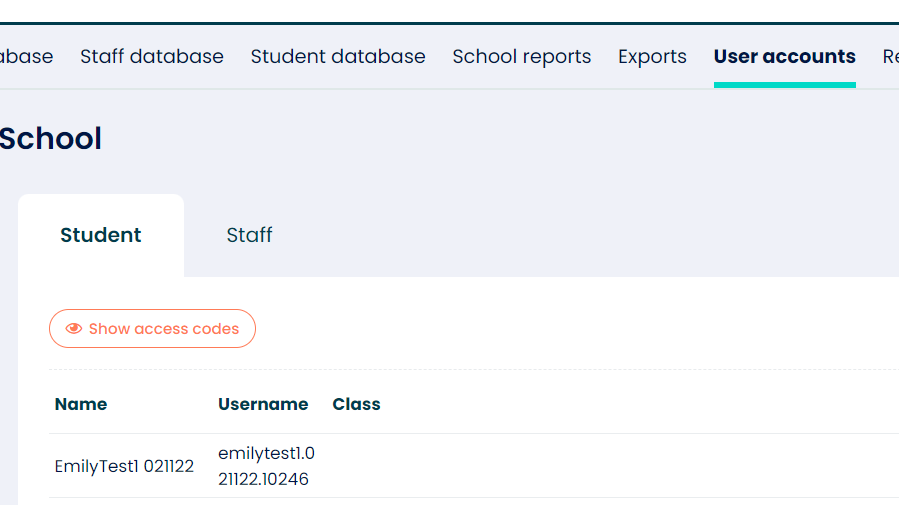
- Once loaded, click on the 'show access codes' button.
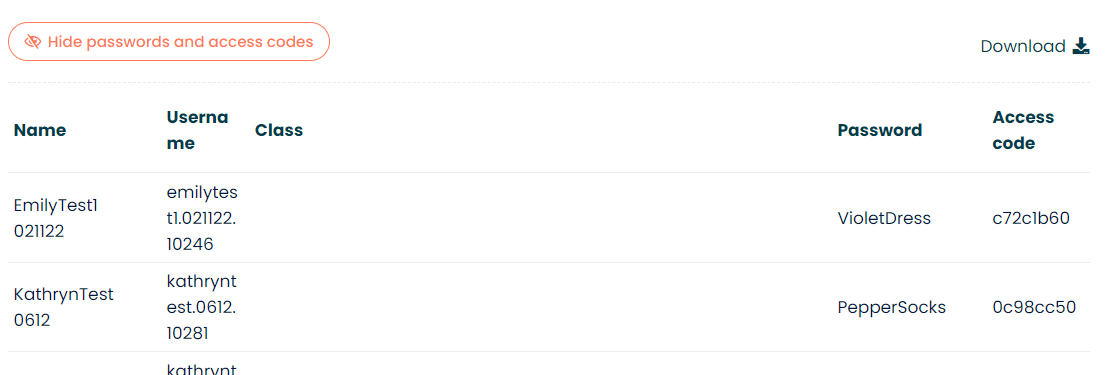
- The learner's password and their guardian's access code are visible in the last two columns.
- You can download the data or issue ad-hoc from the dashboard.
Class Access
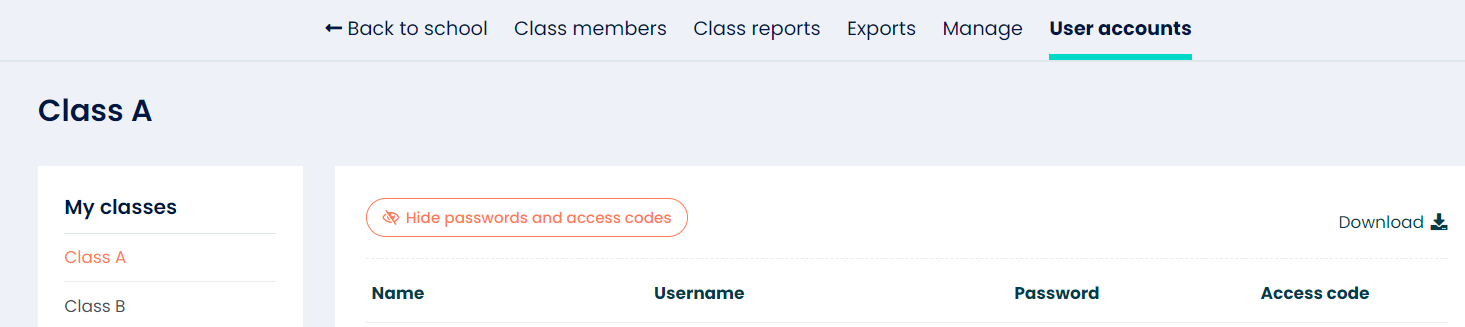
- If you want to view your learners' login credentials for a specific class, you can select the class and open the "user accounts" tab.
- Now follow the process mentioned above.
Need more help?
Contact your account manager or a member of our support team at support@bedrocklearning.org.